
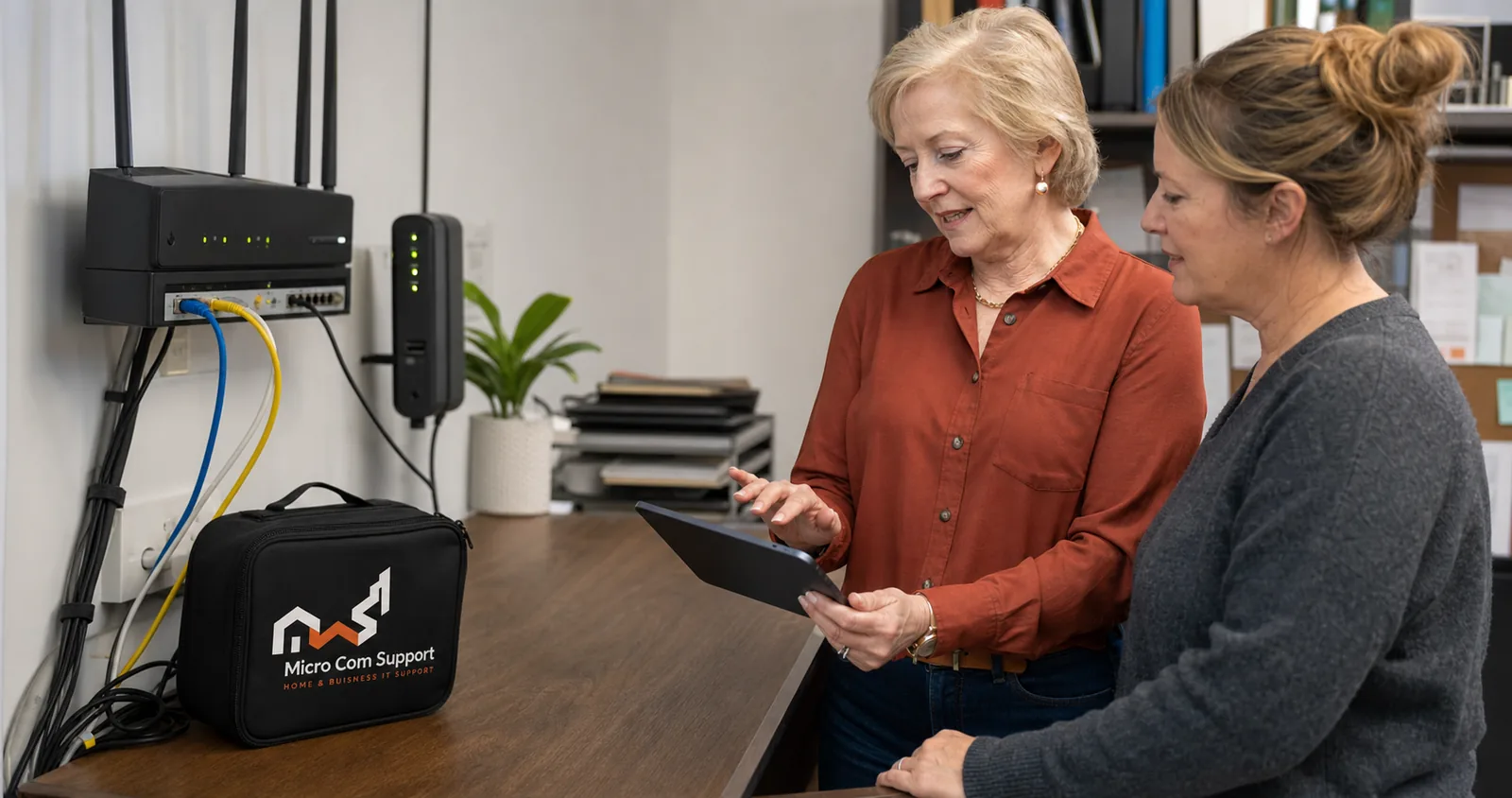
Start with placement
Place the router in an open, central, elevated location when possible. Cabinets, metal, concrete, aquariums, and large appliances can weaken or distort the signal.
- Keep antennas in the recommended orientation
- Separate the router from microwaves and dense electronics
- Test close to the router before blaming the provider
- Restart equipment only after checking for an active outage
Separate internet speed from Wi-Fi coverage
A wired test can help show whether the provider connection or the wireless link is the primary limit. Older devices may also support slower standards.
Know when equipment may help
Large or difficult spaces may benefit from an access point or mesh system. Adding equipment without a placement plan can create new congestion, so review the environment first.
Need help with a related issue?
Describe the problem without sensitive information. We will confirm scope and options before work begins.
Request assistance