Independent US technical-support providerSupport begins with your permissionSafety guidance
Your safety

Customer control is a security feature

You decide whether to proceed, what is visible, and when a remote session ends. Legitimate support should never rely on fear, secrecy, or unusual payment methods.

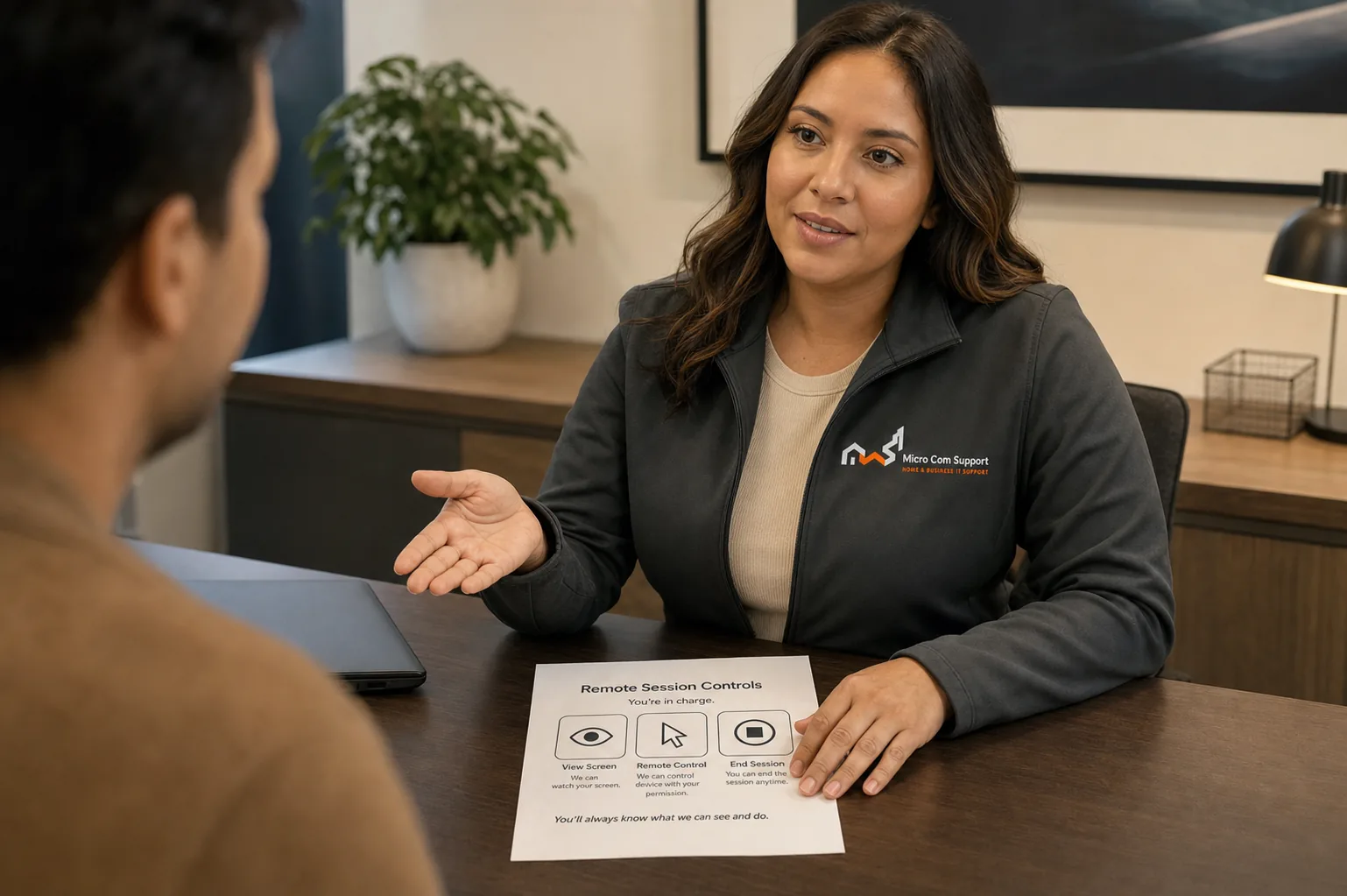
Support specialist explaining security precautions to a customer

What we do

  • Begin after you request support.
  • Explain scope and charges before paid work.
  • Ask before remote access or material changes.
  • Encourage you to enter passwords privately.
  • Let you pause or end access at any time.
  • Use clear, non-alarming language.

What we do not do

  • Make unsolicited infection-warning calls.
  • Demand gift cards or cryptocurrency.
  • Ask for banking passwords or one-time codes.
  • Claim affiliation that does not exist.
  • Pressure you to keep support secret.
  • Guarantee every issue can be fixed.
Before screen sharing

Protect what does not need to be seen.

  • Close banking, investment, medical, tax, and private messaging websites.
  • Save work and close documents unrelated to the support issue.
  • Move password managers and authentication apps off screen.
  • Have a trusted person present if that makes you more comfortable.
  • Disconnect immediately if the session differs from what was explained.
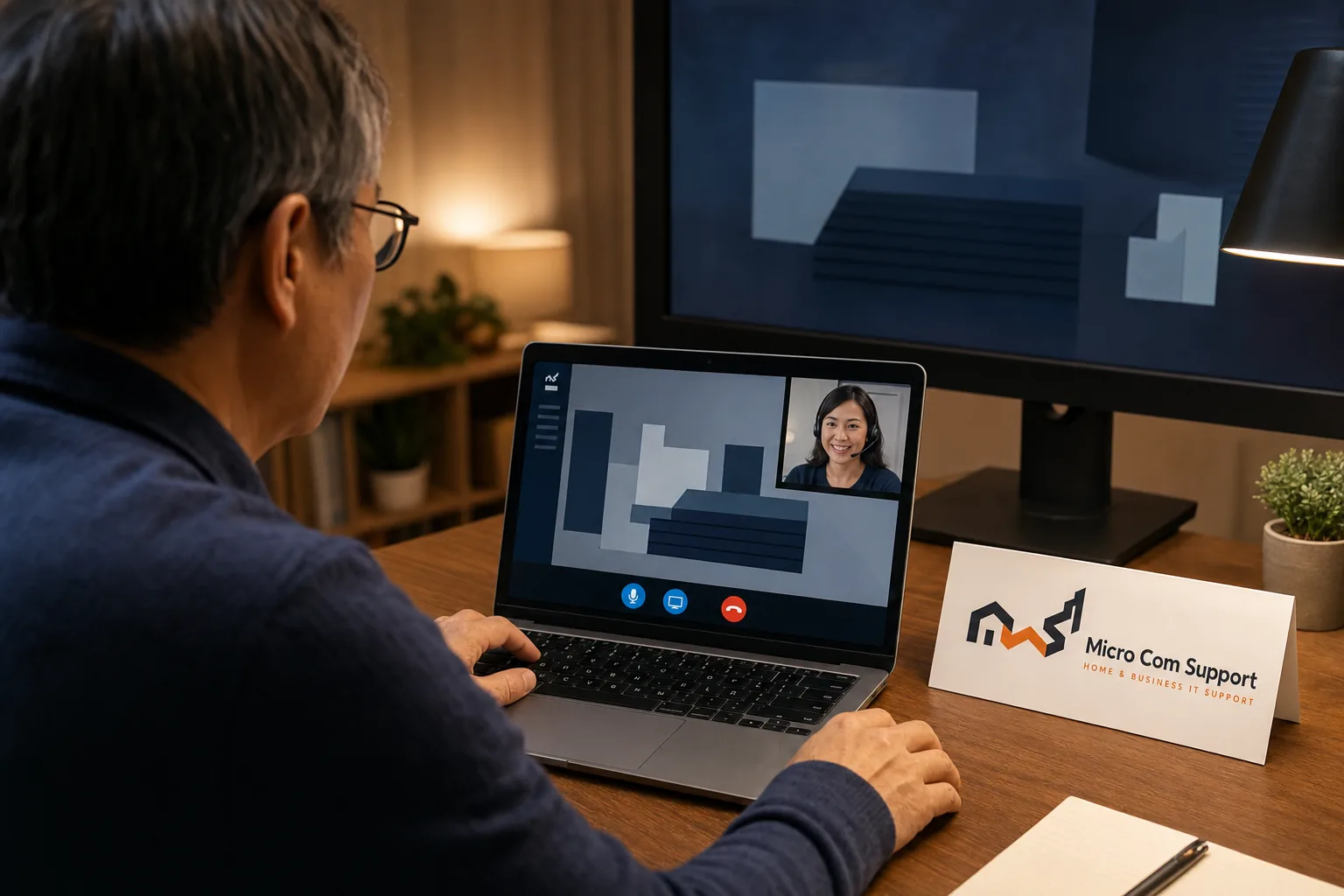
Customer observing a secure remote-support session
Unexpected contact?

Stop, verify, and use a trusted path

If someone unexpectedly says your computer is infected, do not call a number shown in the alert, install software, share a code, or pay. Close the window if safe, use a separate trusted device, and contact the company through a verified website or number you found independently.

Call supportRequest help