
Independent US technical-support providerSupport begins with your permissionSafety guidance
Support service

PC Performance Assistance

Measured help with slow startup, storage pressure, background applications, updates, and realistic performance expectations.

Technician reviewing performance diagnostics on a desktop computer
Problems we may assist with

Start with the symptoms you can see

Slow startup or shutdown
Low storage and update issues
Programs consuming excessive resources
Computer becoming hot, noisy, or unresponsive
Service scope

Focused help, explained clearly

Review built-in performance information

We keep the step proportional to the issue and describe what it can—and cannot—confirm.
Remove unneeded startup items with approval

We keep the step proportional to the issue and describe what it can—and cannot—confirm.

Check storage, updates, and common software causes

We keep the step proportional to the issue and describe what it can—and cannot—confirm.

Explain when hardware age is the limiting factor

We keep the step proportional to the issue and describe what it can—and cannot—confirm.

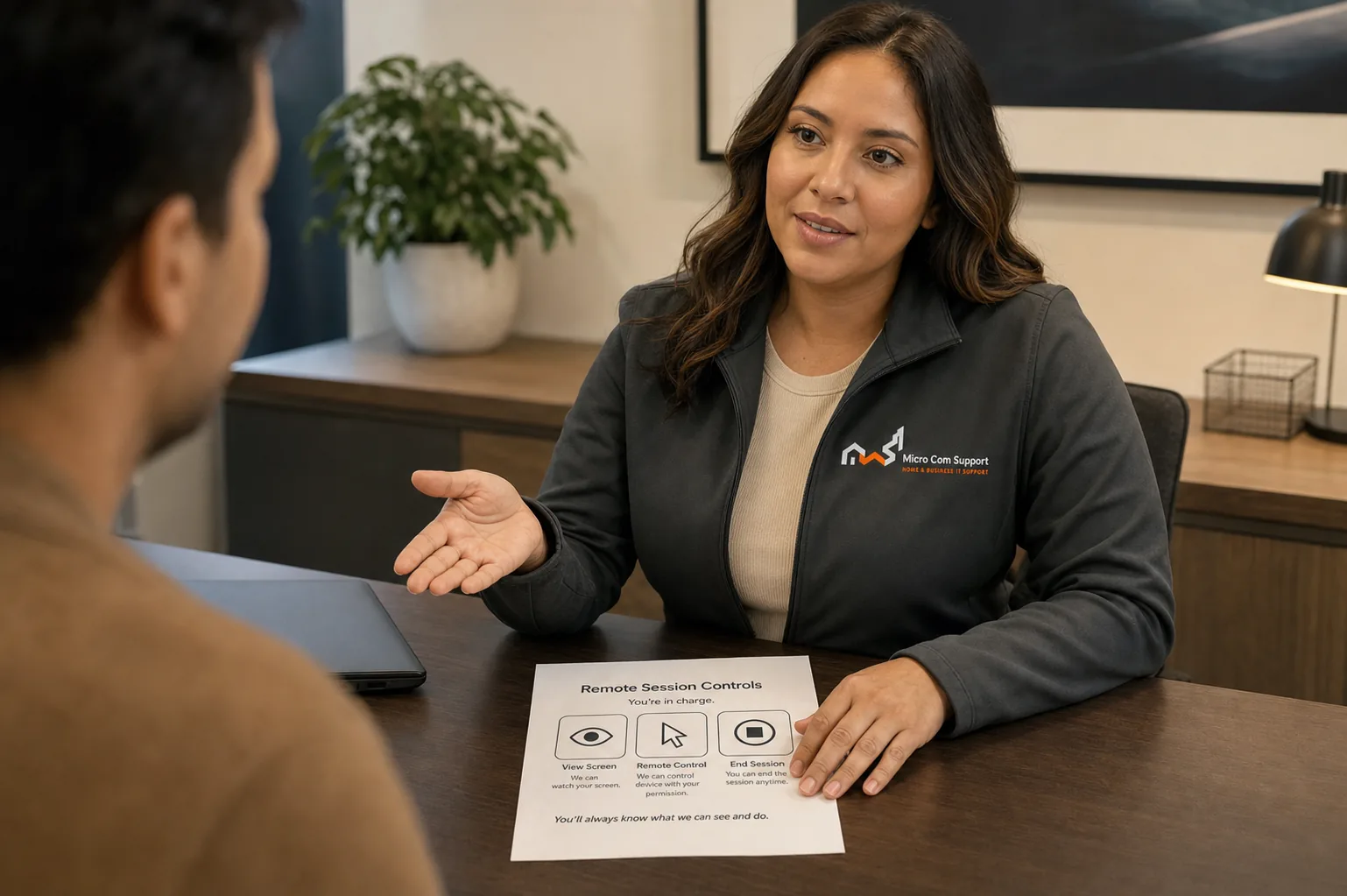
Support specialist discussing customer safety and control
Security and control

Your approval is part of the process.

  • We explain why a step is relevant before asking you to approve it.
  • Do not share passwords, card details, banking information, or one-time codes.
  • Close private websites and documents before any screen-sharing session.
  • You may pause or end remote access at any time.
Review our safety guidance
Before you contact us

A little preparation protects your time and information.

  • Describe when slowness occurs
  • Note any recent installations
  • Back up important files
  • Keep the charger connected for laptops
Service limitations

When remote help may not be the right fit

  • We do not promise a specific speed increase
  • Failing storage, overheating, or memory faults may require local hardware service
  • Results depend on device specifications and condition
Questions about pc performance

Common questions

Can you make an old PC like new?

We can improve common software causes, but we will not overstate what an older processor, storage device, or limited memory can do.

Do you use registry cleaners?

We avoid aggressive utilities that create unnecessary risk. We favor built-in tools and documented, reversible changes.

Talk with our team

Tell us what you’re seeing.

We’ll help define a sensible next step and confirm scope before paid work begins.

Call supportRequest help