
Independent US technical-support providerSupport begins with your permissionSafety guidance
Support service

Computer Support for Home and Work

Patient, permission-based help for Windows PCs, laptops, everyday settings, connected devices, and common computer problems.

Technical-support specialist reviewing computer diagnostics at a home-office workstation
Problems we may assist with

Start with the symptoms you can see

Startup errors, freezes, and unexpected restarts
New computer setup and account preferences
Device, display, sound, and peripheral issues
Confusing messages, settings, and update problems
Service scope

Focused help, explained clearly

Explain the issue in plain language

We keep the step proportional to the issue and describe what it can—and cannot—confirm.
Review relevant settings with your approval

We keep the step proportional to the issue and describe what it can—and cannot—confirm.

Troubleshoot software and connected-device conflicts

We keep the step proportional to the issue and describe what it can—and cannot—confirm.

Document practical next steps

We keep the step proportional to the issue and describe what it can—and cannot—confirm.

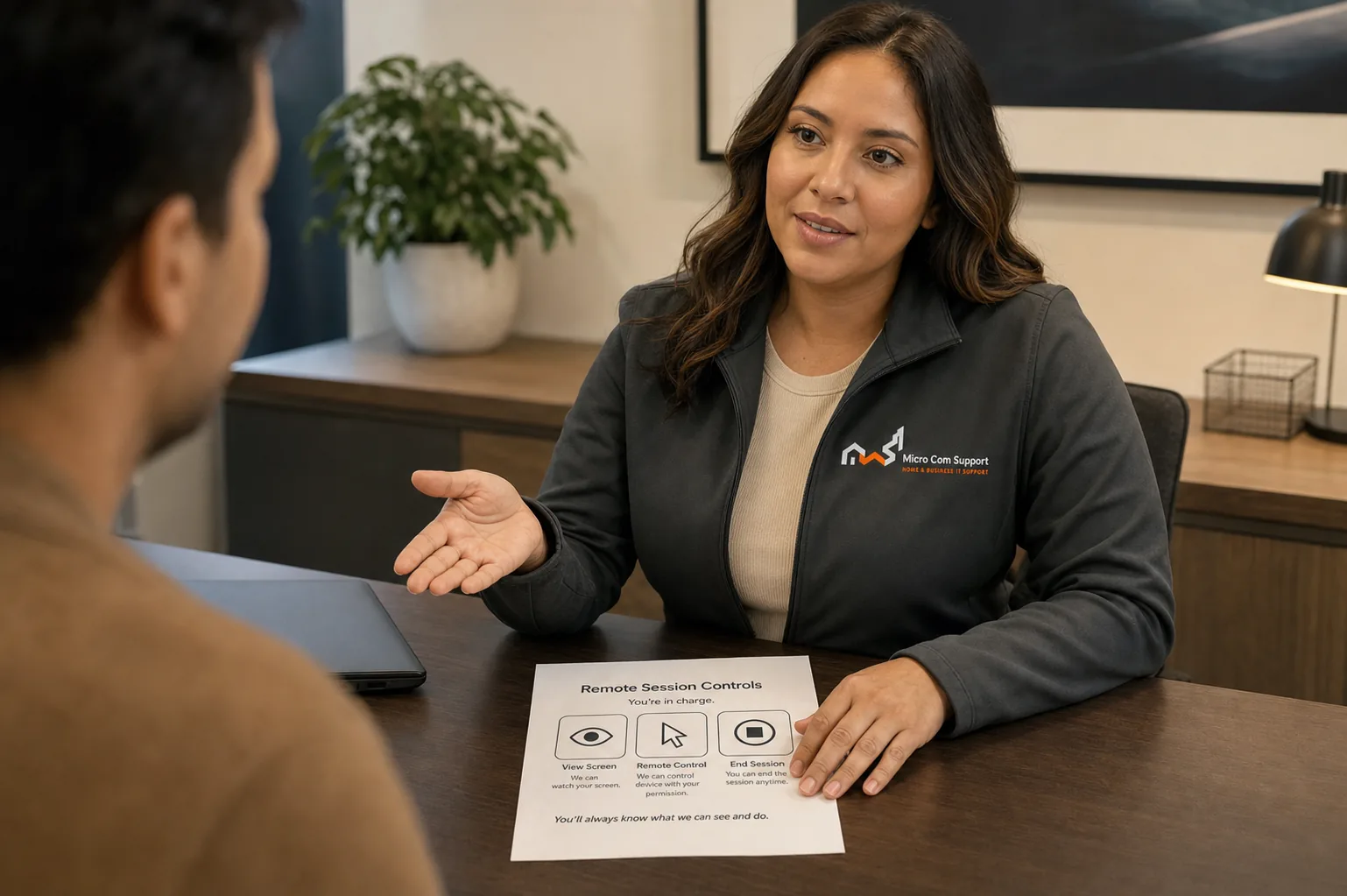
Support specialist discussing customer safety and control
Security and control

Your approval is part of the process.

  • We explain why a step is relevant before asking you to approve it.
  • Do not share passwords, card details, banking information, or one-time codes.
  • Close private websites and documents before any screen-sharing session.
  • You may pause or end remote access at any time.
Review our safety guidance
Before you contact us

A little preparation protects your time and information.

  • Keep the computer powered and connected if possible
  • Note recent changes or error messages
  • Have device make and model available
  • Close private documents and financial websites
Service limitations

When remote help may not be the right fit

  • We do not perform physical component repair remotely
  • Hardware replacement and manufacturer warranty work may require a local repair provider
  • Outcomes depend on device condition, access, and third-party services
Questions about computer support

Common questions

Can you help without remote access?

Often, yes. We can begin by phone and explain steps you can complete yourself. Remote access is optional and begins only with your permission.

Do you support older computers?

We can assess many older systems, but unsupported operating systems and failing hardware may limit safe repair options.

Talk with our team

Tell us what you’re seeing.

We’ll help define a sensible next step and confirm scope before paid work begins.

Call supportRequest help