
Independent US technical-support providerSupport begins with your permissionSafety guidance
Support service

Email Setup and Troubleshooting

Help with account setup, mail applications, sending and receiving, synchronization, and safer email habits—without asking for your password or verification codes.

Support specialist guiding a customer through secure email configuration without touching the keyboard
Problems we may assist with

Start with the symptoms you can see

Messages not sending or arriving
Email app setup and synchronization
Repeated sign-in prompts
Spam, suspicious messages, and storage warnings
Service scope

Focused help, explained clearly

Check app and server settings you can safely share

We keep the step proportional to the issue and describe what it can—and cannot—confirm.
Guide account recovery through the provider’s official flow

We keep the step proportional to the issue and describe what it can—and cannot—confirm.

Review filters and storage

We keep the step proportional to the issue and describe what it can—and cannot—confirm.

Explain phishing warning signs

We keep the step proportional to the issue and describe what it can—and cannot—confirm.

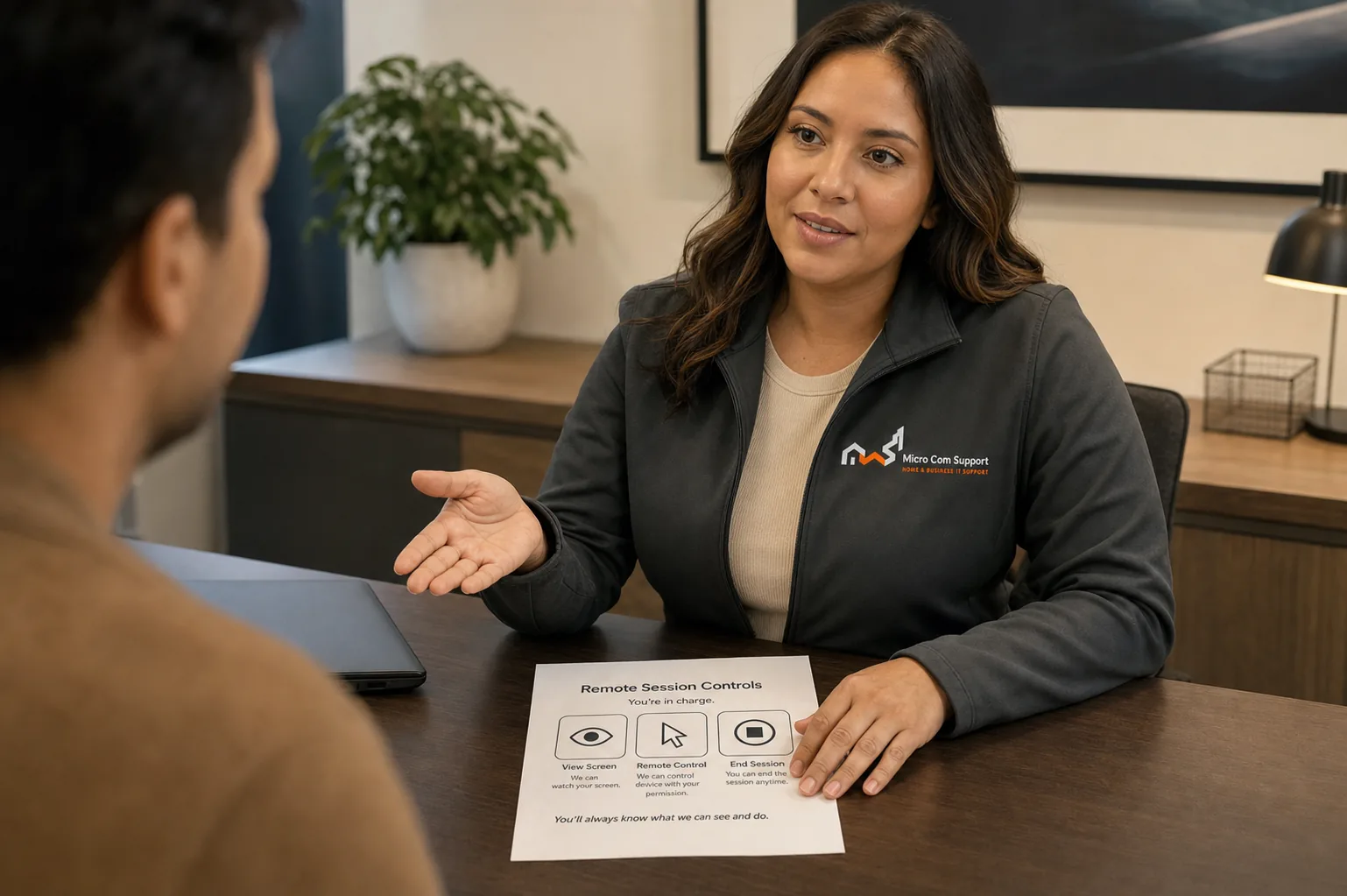
Support specialist discussing customer safety and control
Security and control

Your approval is part of the process.

  • We explain why a step is relevant before asking you to approve it.
  • Do not share passwords, card details, banking information, or one-time codes.
  • Close private websites and documents before any screen-sharing session.
  • You may pause or end remote access at any time.
Review our safety guidance
Before you contact us

A little preparation protects your time and information.

  • Email provider and app name
  • Exact error message with private details removed
  • Access to your provider’s official recovery options
  • A second trusted device when available
Service limitations

When remote help may not be the right fit

  • We cannot bypass provider security or recover unknown passwords
  • We never request one-time codes
  • Provider outages and account enforcement decisions are outside our control
Questions about email support

Common questions

Will you need my email password?

No. You should enter passwords privately and never send them through a form, email, or chat.

Can you recover a locked account?

We can guide you to the provider’s official recovery process, but only the provider can restore or unlock the account.

Talk with our team

Tell us what you’re seeing.

We’ll help define a sensible next step and confirm scope before paid work begins.

Call supportRequest help