
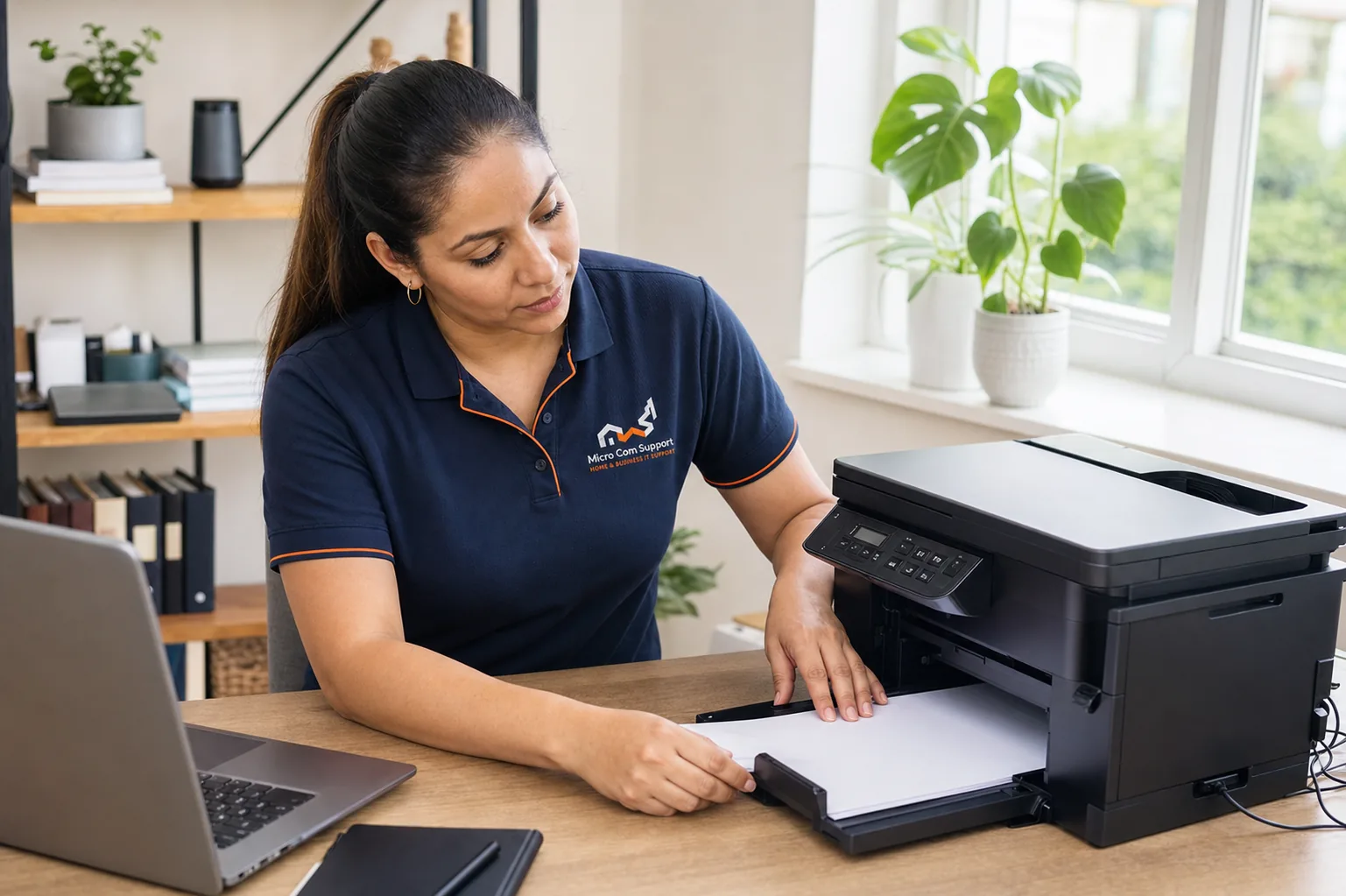
Check the physical state
Confirm power, paper, ink or toner status, and any message on the printer’s own display. Clear visible jams according to the manufacturer’s instructions.
- Wake the printer from sleep
- Confirm the correct paper size
- Check that trays and doors are fully closed
- Restart the printer once
Check the connection
For USB, reseat the cable and try a known working port. For Wi-Fi, confirm the printer and computer are on the intended network and that the router is not reporting an outage.
Check the computer
Make sure the intended printer is selected, cancel stale jobs, and avoid downloading drivers from advertisements or unofficial download sites.
Need help with a related issue?
Describe the problem without sensitive information. We will confirm scope and options before work begins.
Request assistance