Independent US technical-support providerSupport begins with your permissionSafety guidance
Support service

Backup and Recovery Guidance

Help understanding backup options, checking that important files are covered, and planning safer recovery steps.

Support specialist reviewing a backup plan with a small-business customer
Problems we may assist with

Start with the symptoms you can see

Unclear backup status
Cloud storage synchronization confusion
Moving files to a new device
Planning before reset or repair
Service scope

Focused help, explained clearly

Identify important data and current locations

We keep the step proportional to the issue and describe what it can—and cannot—confirm.
Explain local and cloud backup tradeoffs

We keep the step proportional to the issue and describe what it can—and cannot—confirm.

Check recent backup indicators

We keep the step proportional to the issue and describe what it can—and cannot—confirm.

Create a practical verification checklist

We keep the step proportional to the issue and describe what it can—and cannot—confirm.

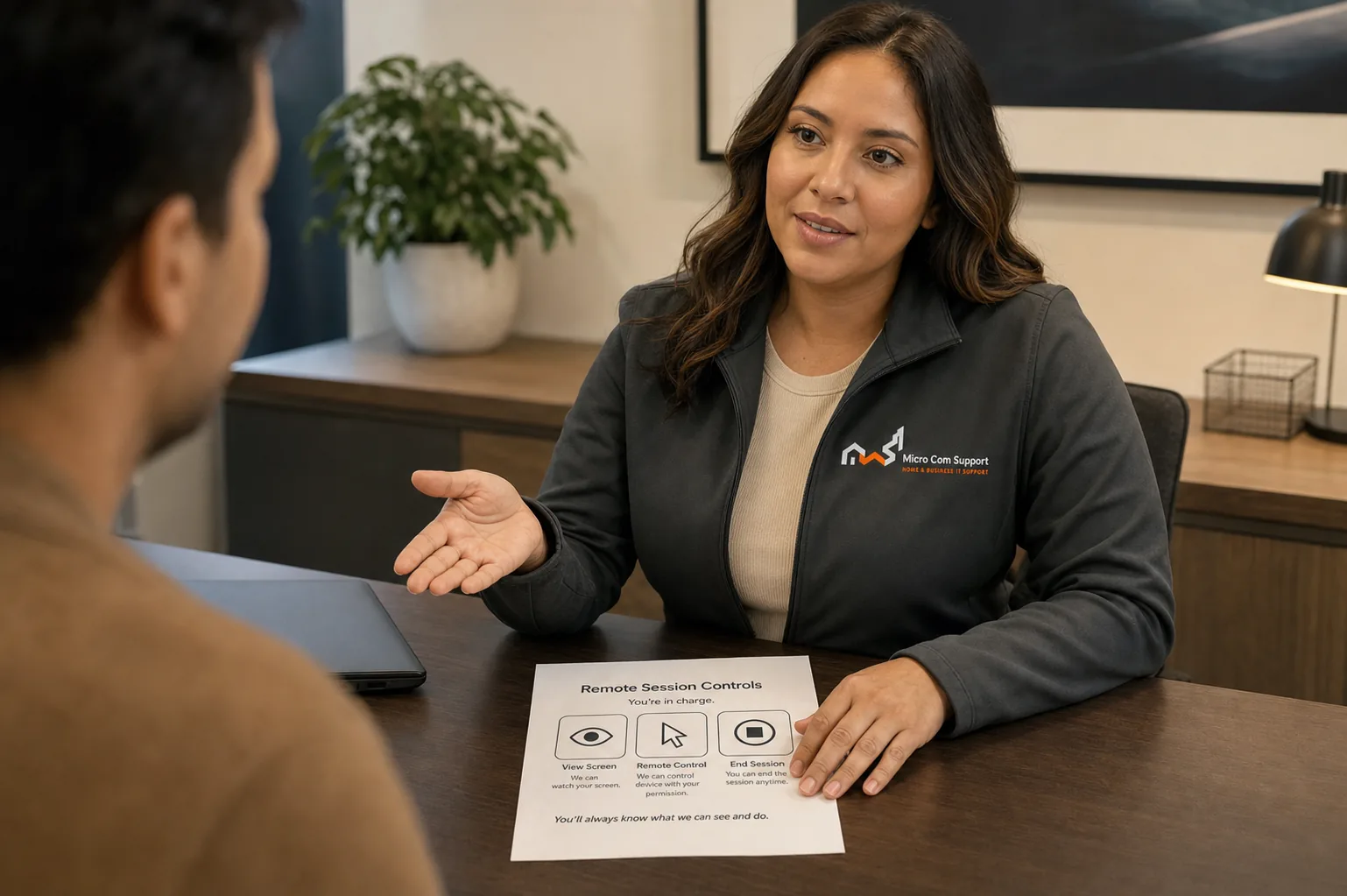
Support specialist discussing customer safety and control
Security and control

Your approval is part of the process.

  • We explain why a step is relevant before asking you to approve it.
  • Do not share passwords, card details, banking information, or one-time codes.
  • Close private websites and documents before any screen-sharing session.
  • You may pause or end remote access at any time.
Review our safety guidance
Before you contact us

A little preparation protects your time and information.

  • List of important folders and devices
  • Current backup provider, if any
  • Available external storage
  • Do not share recovery codes or encryption keys
Service limitations

When remote help may not be the right fit

  • We cannot guarantee recovery of deleted or damaged data
  • Drive failure may require a specialist recovery lab
  • Cloud-provider retention and account recovery remain provider-controlled
Questions about backup guidance

Common questions

Is cloud sync the same as a backup?

Not always. Sync can copy deletions and account changes. A good plan considers version history, separate copies, and recovery testing.

Can you recover files from a failed drive?

We can help assess symptoms, but physical or advanced data recovery should be handled by a qualified recovery laboratory.

Talk with our team

Tell us what you’re seeing.

We’ll help define a sensible next step and confirm scope before paid work begins.

Call supportRequest help